

Translate text in untranslated manga pages
Use Manga Image Translator with images you own, made, licensed, or have permission to work with. Drop in an image, pick a language, and review the result.
Only translate images you own, made, licensed, or have permission to work with.
Join 30,000+ happy readers
See It in Action
Drag the slider to compare a source image you can use with its translated result
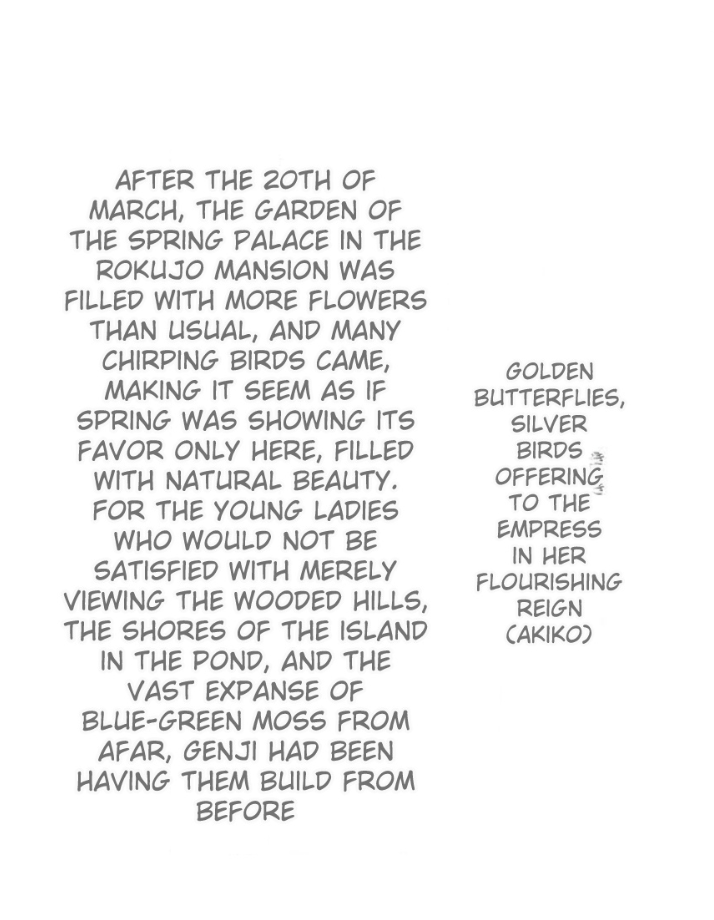
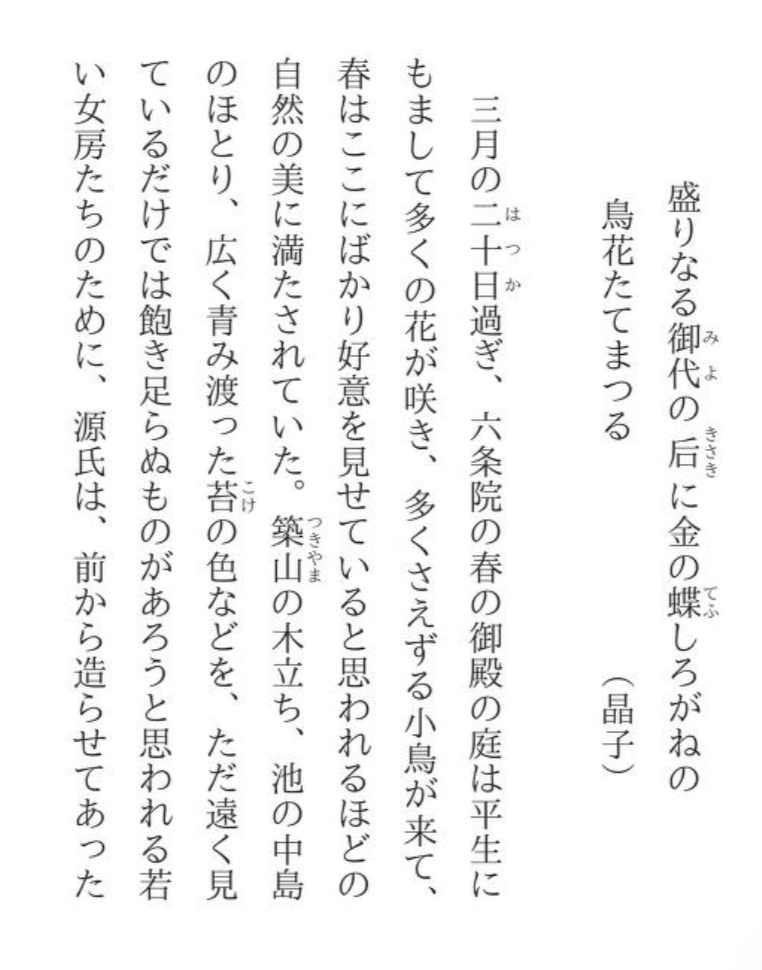
Japanese manga → English translation
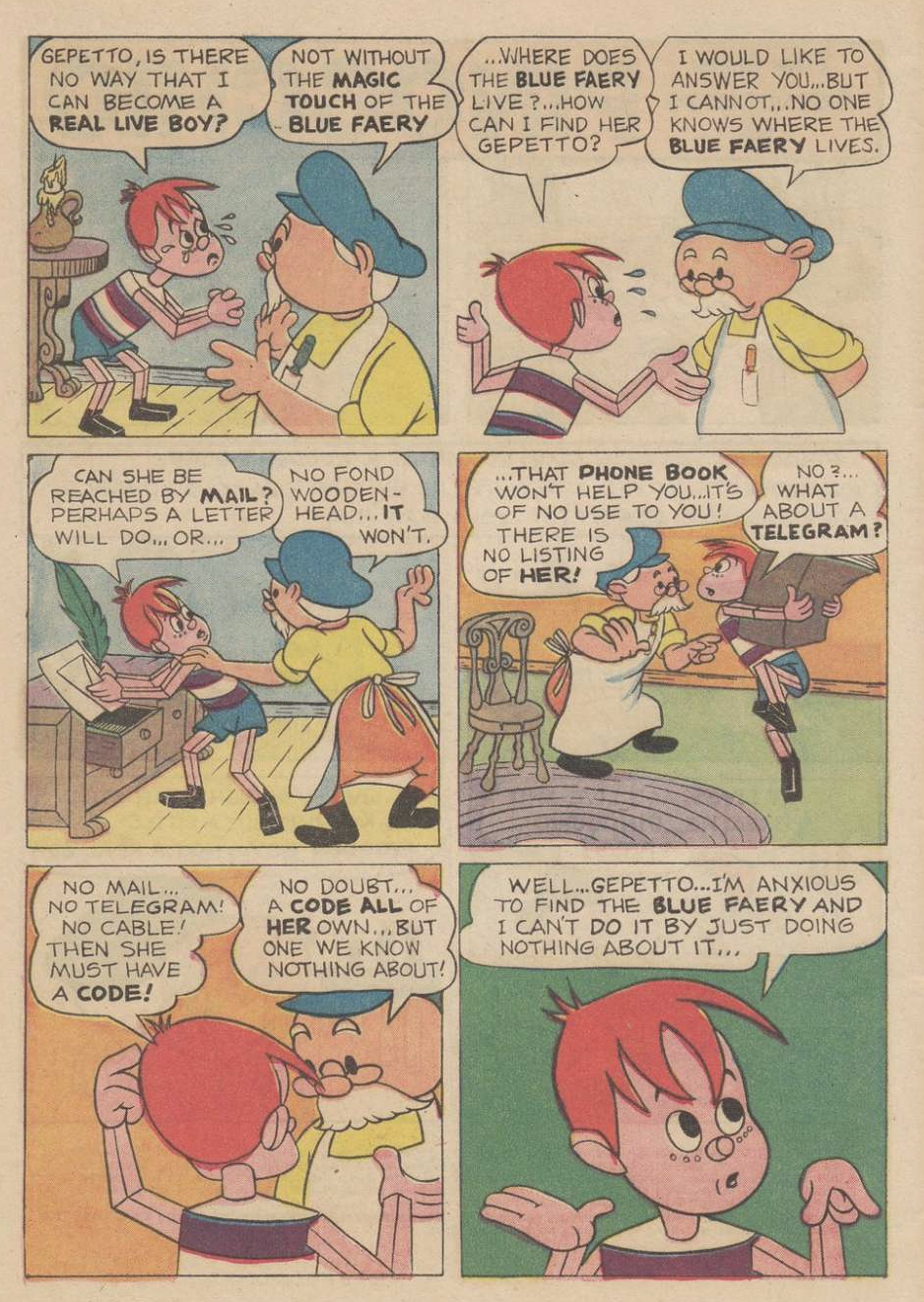
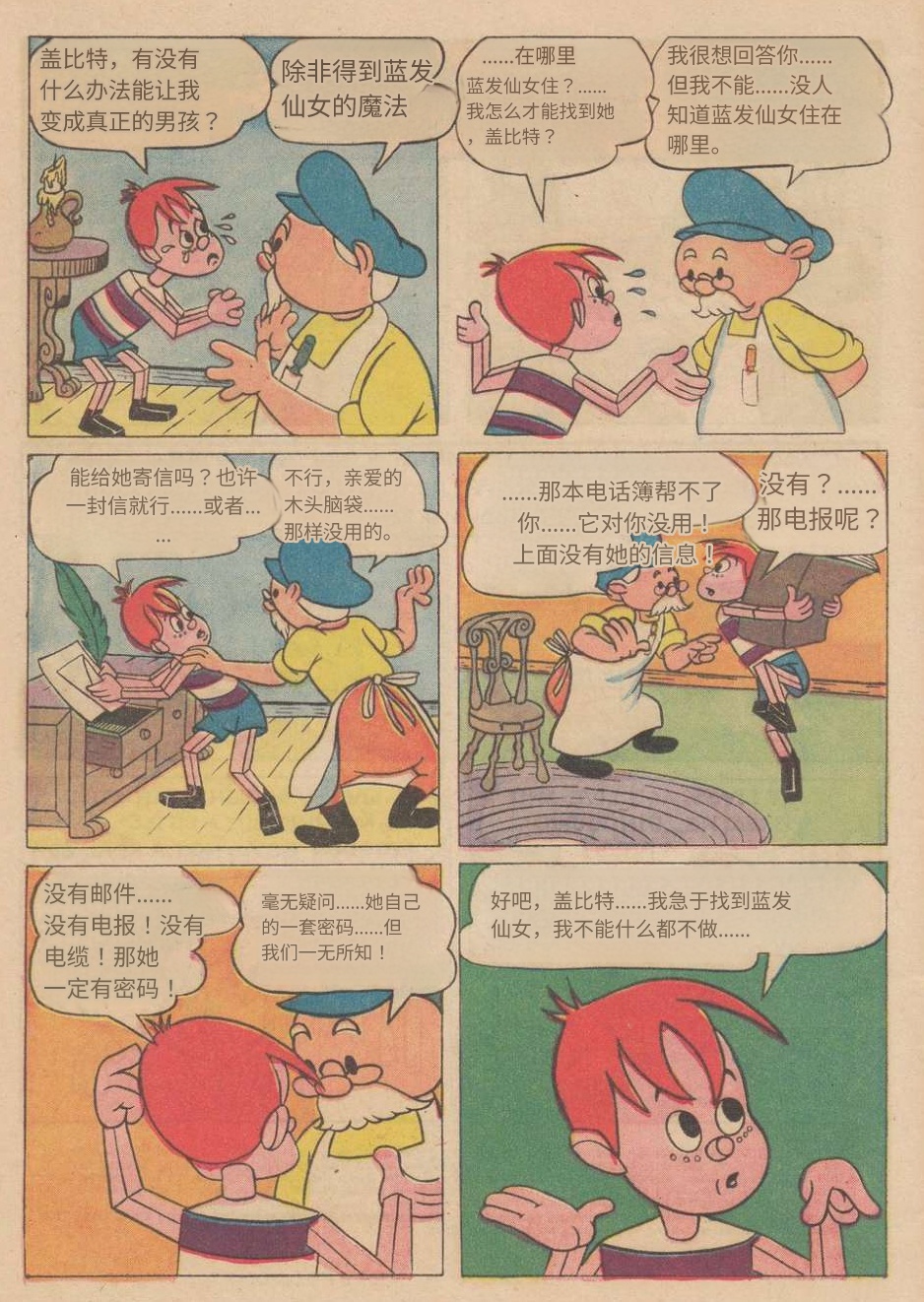
Chinese comic → English translation
Reads untranslated manga pages without wrecking the art
Built for comics, manga, manhwa, screenshots, and illustrated files you have the right to use. More focused than a generic OCR box.
Smart Text Detection
Finds text in speech bubbles, narration boxes, signs, and even stylized SFX layered over complex artwork.
Multi-Script Support
Reads kanji, hangul, hanzi, Latin, Cyrillic, and Arabic scripts. Handles vertical and horizontal text layouts.
Batch Upload
Drop a chapter in at once. All pages process together so you can review the result straight through.
Art Stays Untouched
Only the text gets translated. Artwork, shading, and linework remain intact for projects you are allowed to process.
Seconds Per Image
No waiting around. Most pages translate in under 10 seconds. A full chapter finishes before you grab your drink.
Download Results
Save translated images locally for private review or localization work you are allowed to do.
What Manga Image Translator does
Manga Image Translator is for image files with text: comic pages, panels, screenshots, scanned pages, and other visual material you are allowed to translate.
Drop in an image, choose the language pair, and review the output before you save or use it. The useful part is not magic; it is getting text detection, translation, and layout handling into one pass so you can spend less time copying text out of bubbles.
Best use cases
Use it for private reading drafts, study, terminology review, localization prep, or checking how manga image translation handles a real file from your own collection.
Novel Translator does not provide images, scans, comics, books, chapters, or source files. Bring your own image files and make sure you have permission to use them.
Before you start
Clean input helps. Use the clearest file or image you have, keep page order stable, and add glossary terms when names or recurring phrases matter.
People Who Translate manga images you can use Every Day
From private readers to localization teams, a few notes from people using it:
David Chen
Manga Reader
I use Manga Image Translator with images I am allowed to work with. It keeps the first pass fast and organized.
Rachel Kim
Localization Reviewer
Cuts my initial translation pass from hours to minutes. I use Manga Image Translator as a starting point, then clean up from there.
Marcie Le
Manhwa Fan
Manga Image Translator helps me review untranslated manga pages from my own collection without uploading files I should not use.
Sofia Garcia
Language Learner
I compare the original text with the Manga Image Translator output to study Japanese. It's like having a tutor for every page.
Jamie Wilson
Webtoon Reader
The privacy aspect sold me. My images stay on my device. I can Translate manga images you can use without worrying about uploads.
Anna Zhang
Comic Collector
Works well across the image sets I am allowed to use. Manga, manhwa, manhua, and illustrated documents stay organized for review.
Common Questions About manga image translation
What you need to know before you Translate manga images you can use:
What types of images can Manga Image Translator translate?
Images you own, made, licensed, or have permission to work with, including screenshots, documents, comic panels, labels, and other images with readable text.
How does Manga Image Translator handle SFX and sound effects?
The AI looks for stylized text such as onomatopoeia and sound effects, then translates it with the dialogue and narration. Very hand-drawn SFX may still need manual review.
Is my data private when I use Manga Image Translator?
Yes. All image processing happens in your browser. Your images are never uploaded to our servers or stored anywhere. Once you close the tab, the data is gone.
How much does it cost to Translate manga images you can use?
Each image costs 0.1 credits. Credits pay for translating images you bring; please make sure you have the rights or permission before uploading.
Language-Specific Translators
Japanese to English Manga Translator
Translate Japanese manga to English from images. Handles kanji, hiragana, katakana OCR, honorifics, onomatopoeia, and right-to-left panel layouts. Use images you have permission to work with.
Japanese to Korean Manga Translator | 일본 만화 한국어 번역기
Translate Japanese manga to Korean with image translation. Handles honorific-to-speech-level mapping, onomatopoeia, and SOV grammar similarities. 일본 만화를 한국어로 자동 번역하세요. 경어 변환, 의성어·의태어, SOV 문법 유사성을 활용한 정확한 번역을 제공합니다. Use images you have permission to work with.
English to Japanese Manga Translator | 英語の漫画を日本語に翻訳
Translate English comics and manga to Japanese. Handles SVO-to-SOV restructuring, honorific insertion, and natural Japanese dialogue generation. 英語の漫画やコミックを自然な日本語へ翻訳。語順の組み替え、敬語の付加、擬音語の拡張まで対応できます。 Use images you have permission to work with.
Japanese to Chinese Manga Translator | 日语漫画翻译为中文
Translate Japanese manga images to Chinese when you have permission to work with them. 将日语漫画图片翻译为中文,支持共用汉字处理、敬语转换、SOV到SVO语序调整及拟声词本地化。
Start with an image you can use
Upload an image you own, made, licensed, or have permission to translate. Novel Translator does not provide images, scans, comics, or source files.