
Translates in Seconds
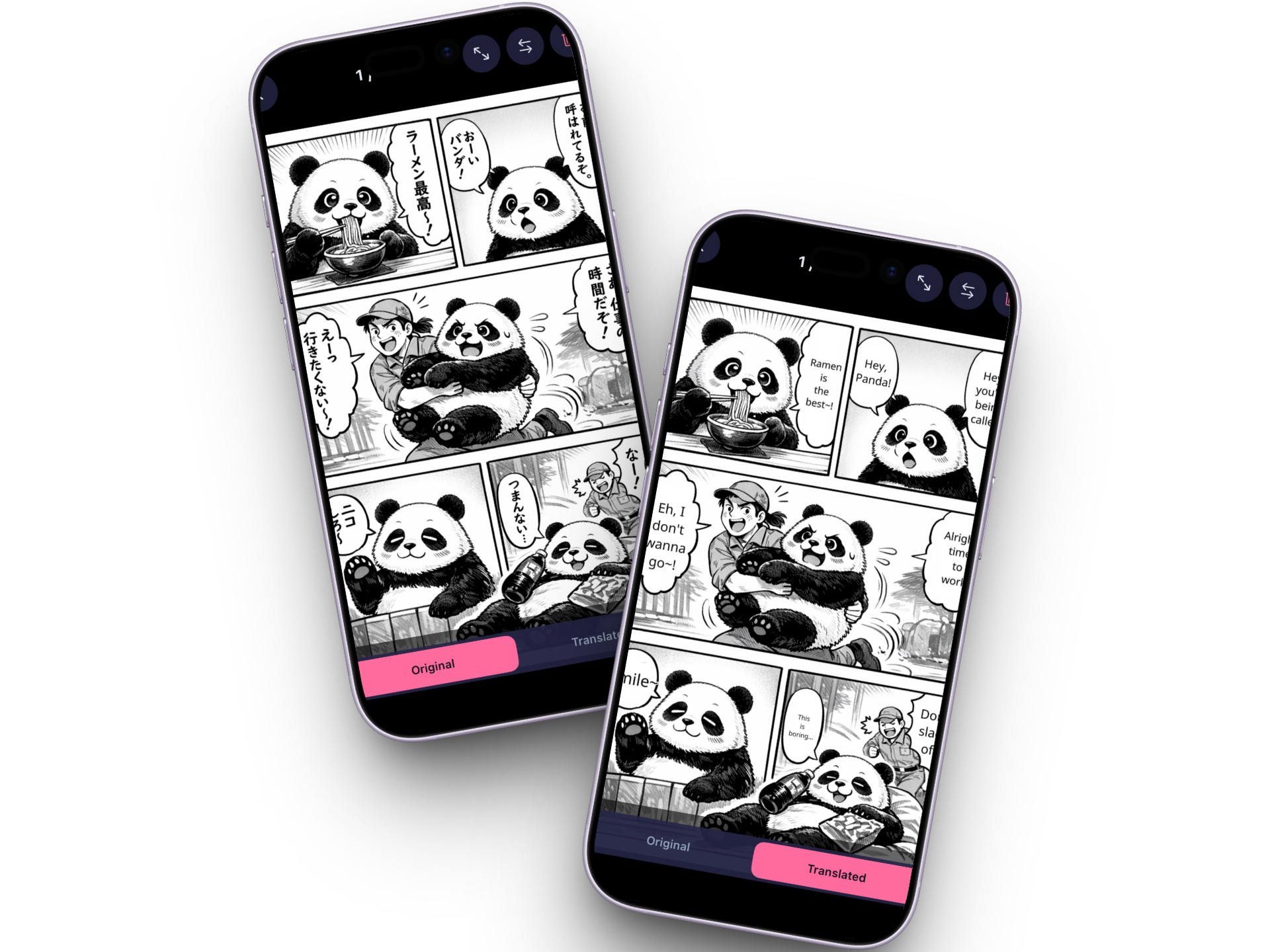
Point your camera at a manga page or a restaurant menu. Suki Translate replaces the text right in the image.
Point your phone at a manga page, a sign, or a menu and Suki Translate translates the text right in the image. Works with 29+ languages, no account needed, and nothing ever leaves your device.
Languages
29+ and counting
Price
$9.99/week unlimited
Platform
iOS / iPhone
Why Suki Translate
Point your camera at a manga page or a restaurant menu. Suki Translate replaces the text right in the image.
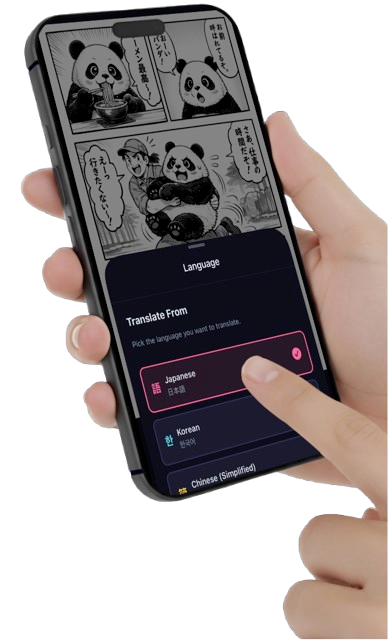
Japanese, Korean, Chinese, Thai, and 25+ more. Pick your source and target language, and you're good to go.
Snap a photo directly or pick something from your camera roll. Either way, it's one tap to translate.
No sign-up, no cloud uploads, no tracking. Your images stay on your device. Translate whatever you want.
Screenshots
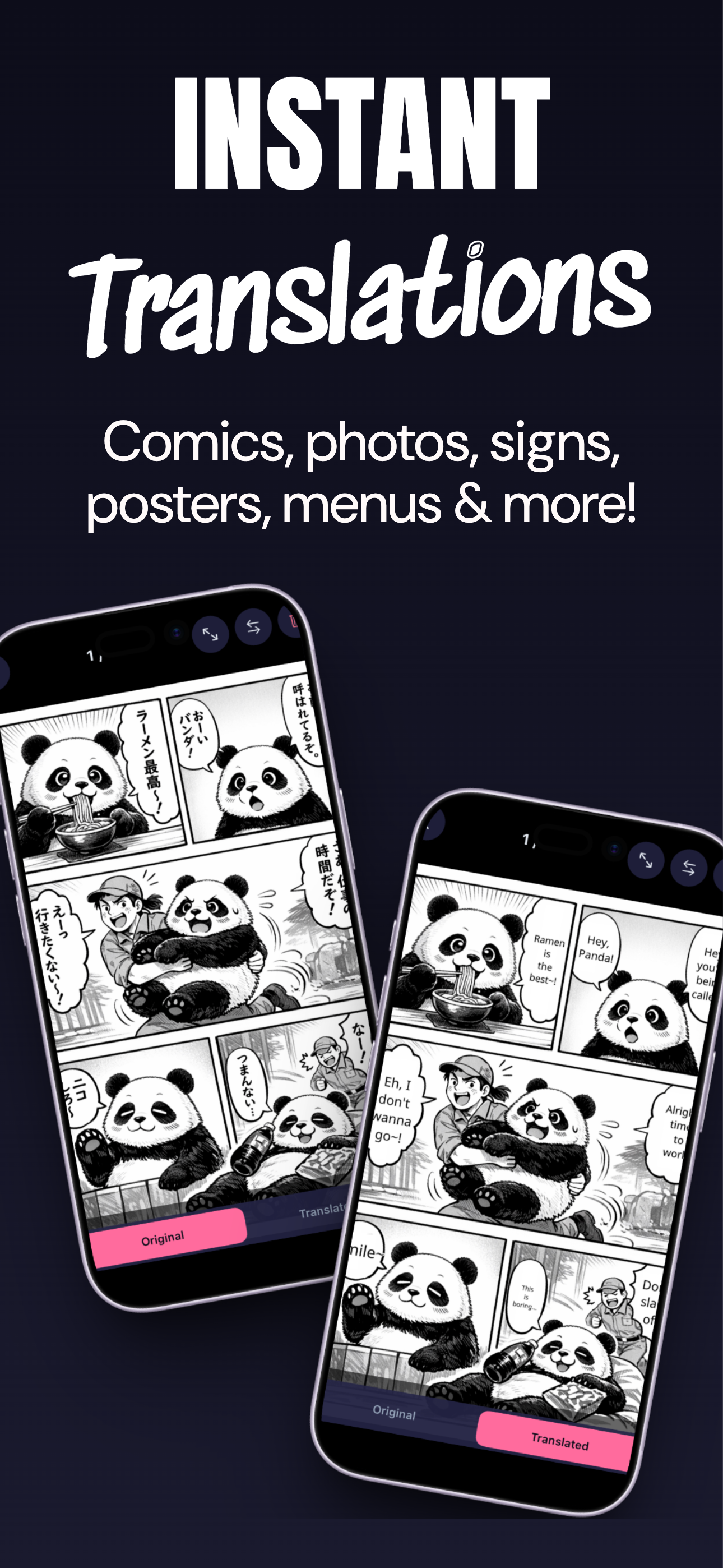
Original vs. translated, side by side
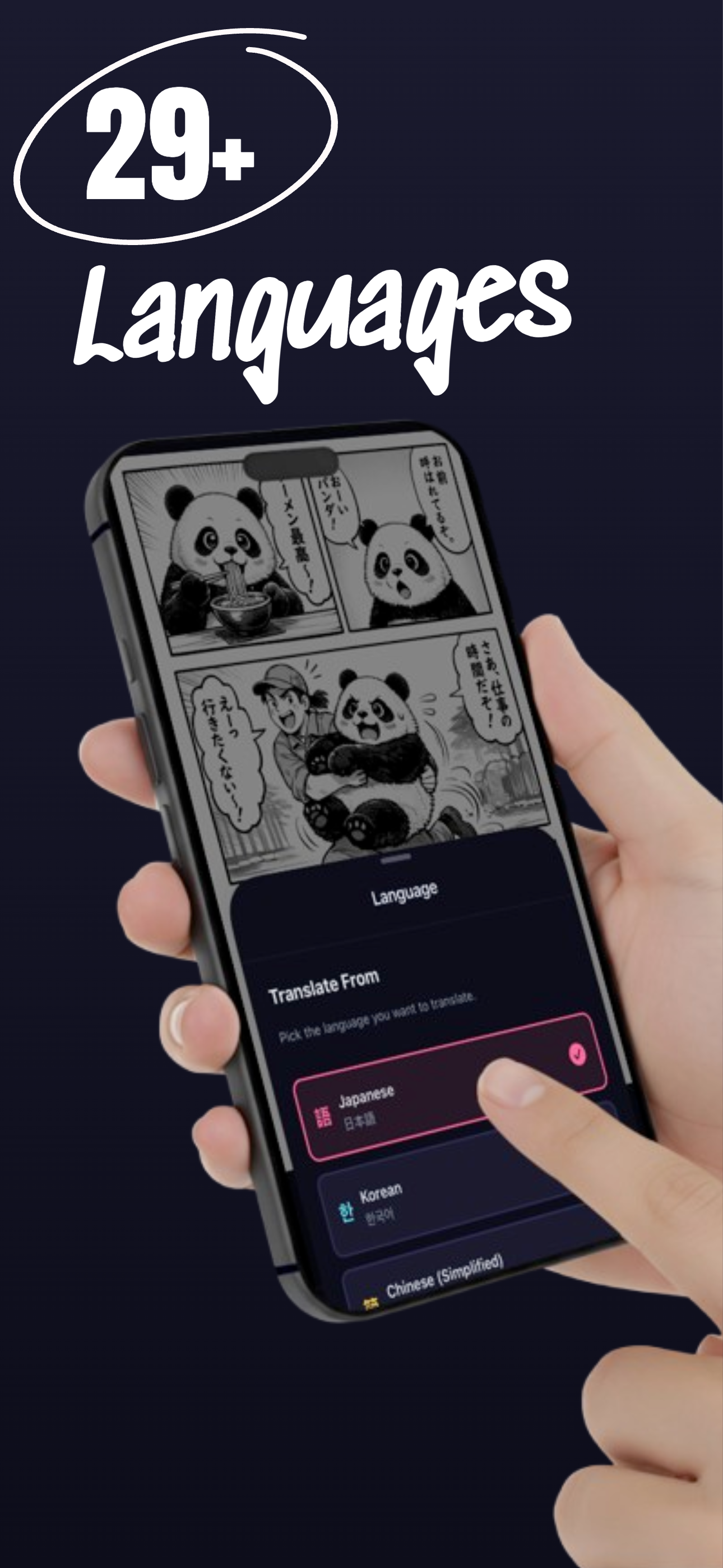
Pick from 29+ languages
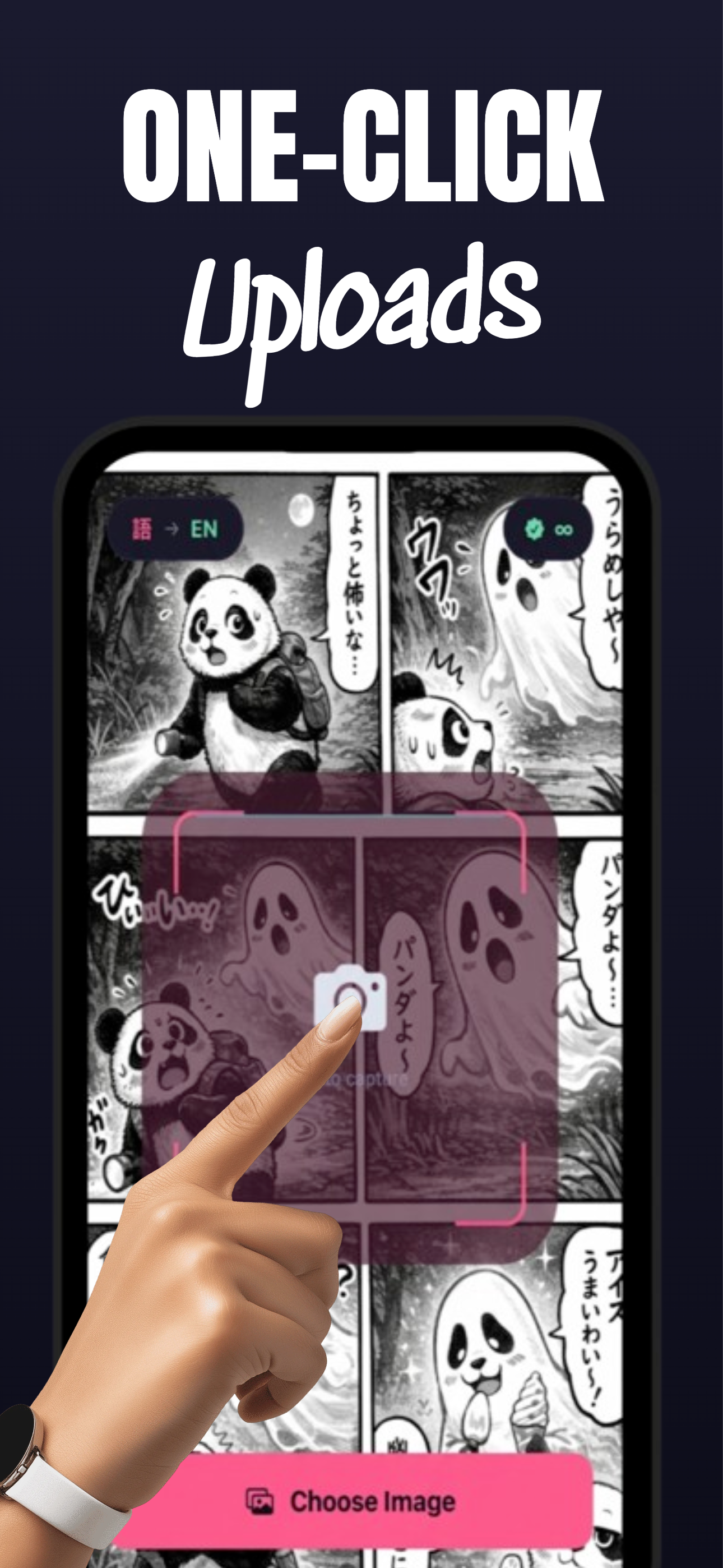
Snap a photo or choose from your gallery
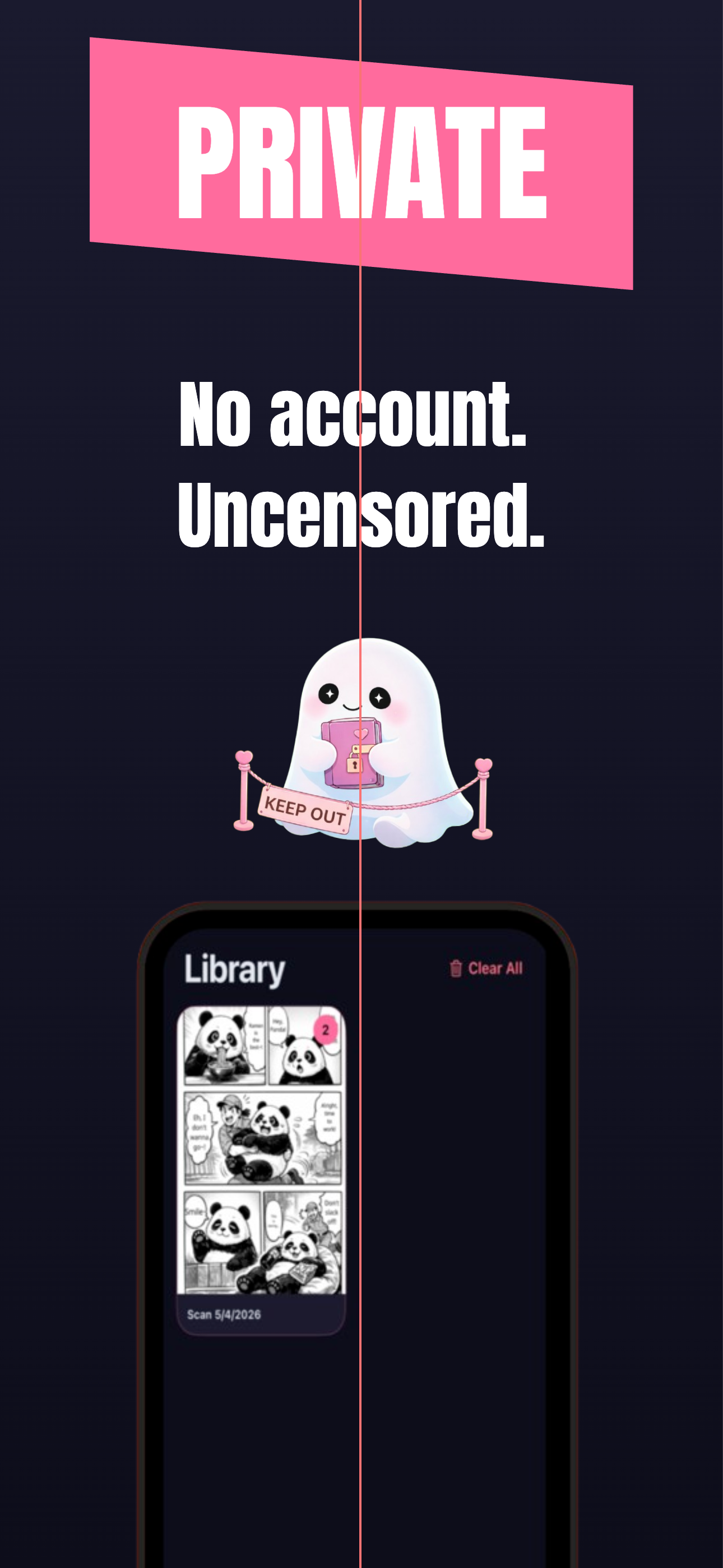
No account, no tracking, no judgment
How it works
Take a photo or pick one from your camera roll.
Tell Suki Translate what language it's looking at and what you want to read.
The translated image appears with text replaced. Tap to flip between original and translated.

The little ghost who reads everything and tells no one. Suki lives on your phone, translates your manga, and doesn't care what you're reading.
Free to try. $9.99/week for unlimited translations.
Free to download with a few starter translations. After that, it's $9.99/week for unlimited. Cancel anytime.
Manga pages, comics, manhwa, signs, restaurant menus, product labels, screenshots. If it has text in an image, Suki Translate can read it.
29+ right now. Japanese, Korean, Chinese (Simplified and Traditional), Thai, Vietnamese, French, Spanish, German, and a bunch more.
Nope. Open the app and start translating. No email, no password, no sign-up screen.
It's the same translation engine, but built as a native iOS app. You get camera access, a local library for your scans, and one-tap translations without opening a browser.
Everything stays on your phone. No cloud uploads, no server-side storage, no logs. We genuinely can't see what you translate.
Translates manga, comics, and any image with text. $9.99/week for unlimited translations.