
Reading First
UI chrome stays compact and context-aware so pages and prose remain the center of attention.
A free desktop app for manga folders/CBZ, non-DRM EPUB, and TXT novels that you own. Designed around fast opening, easy resuming, and a modern reader workspace that stays out of the way.
Formats
CBZ / ZIP / EPUB / TXT
Modes
Scroll + Paged
Platforms
macOS

Free Comic & Ebook Reader for Mac
Design direction
UI chrome stays compact and context-aware so pages and prose remain the center of attention.
Drag folders, CBZ/ZIP, EPUB, and TXT directly into the app or use fast native open actions.
Typography and layout settings are discoverable, persistent, and immediately reflected while reading.
Recent items and per-book progress restore make it easy to pick up exactly where you left off.
See it in action
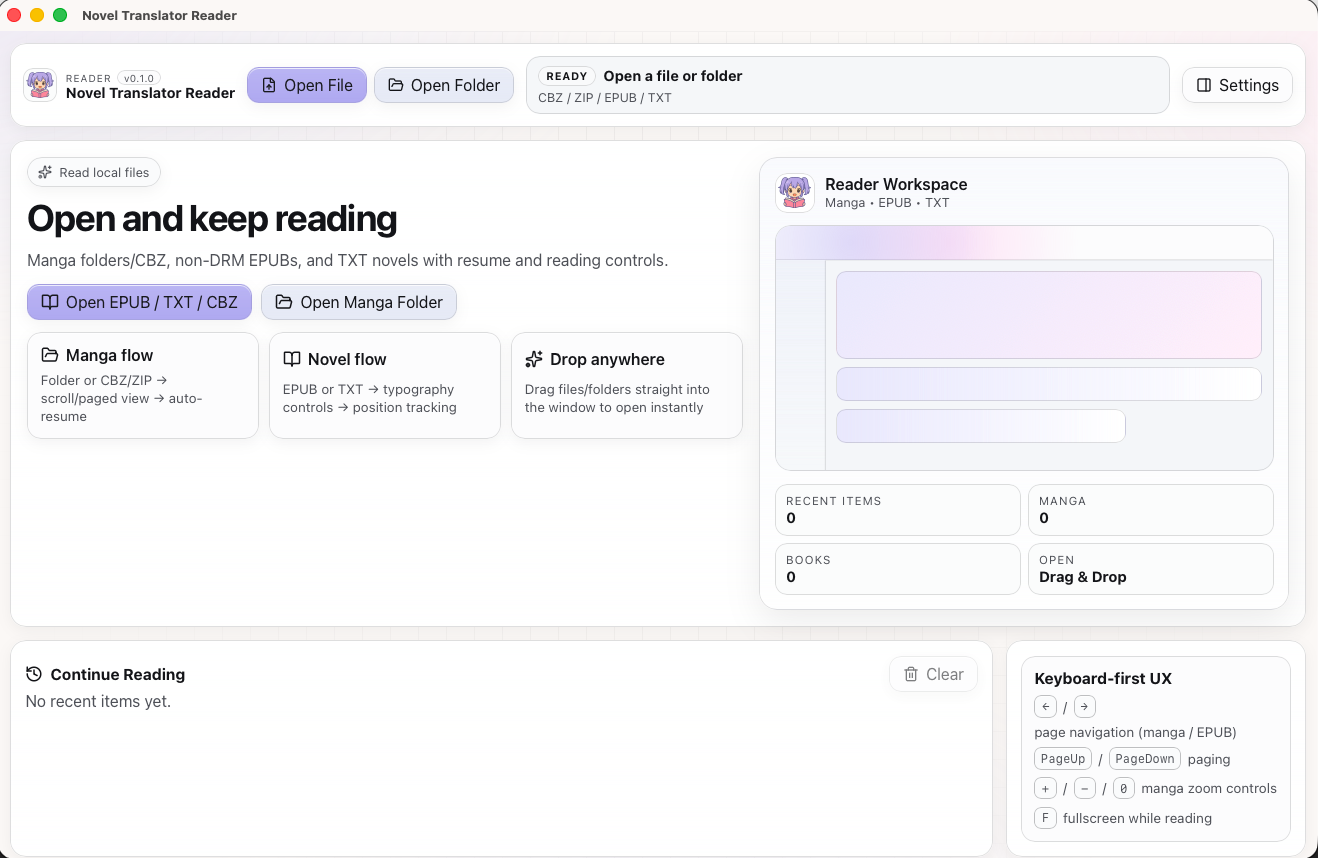
Home dashboard with library overview and continue reading
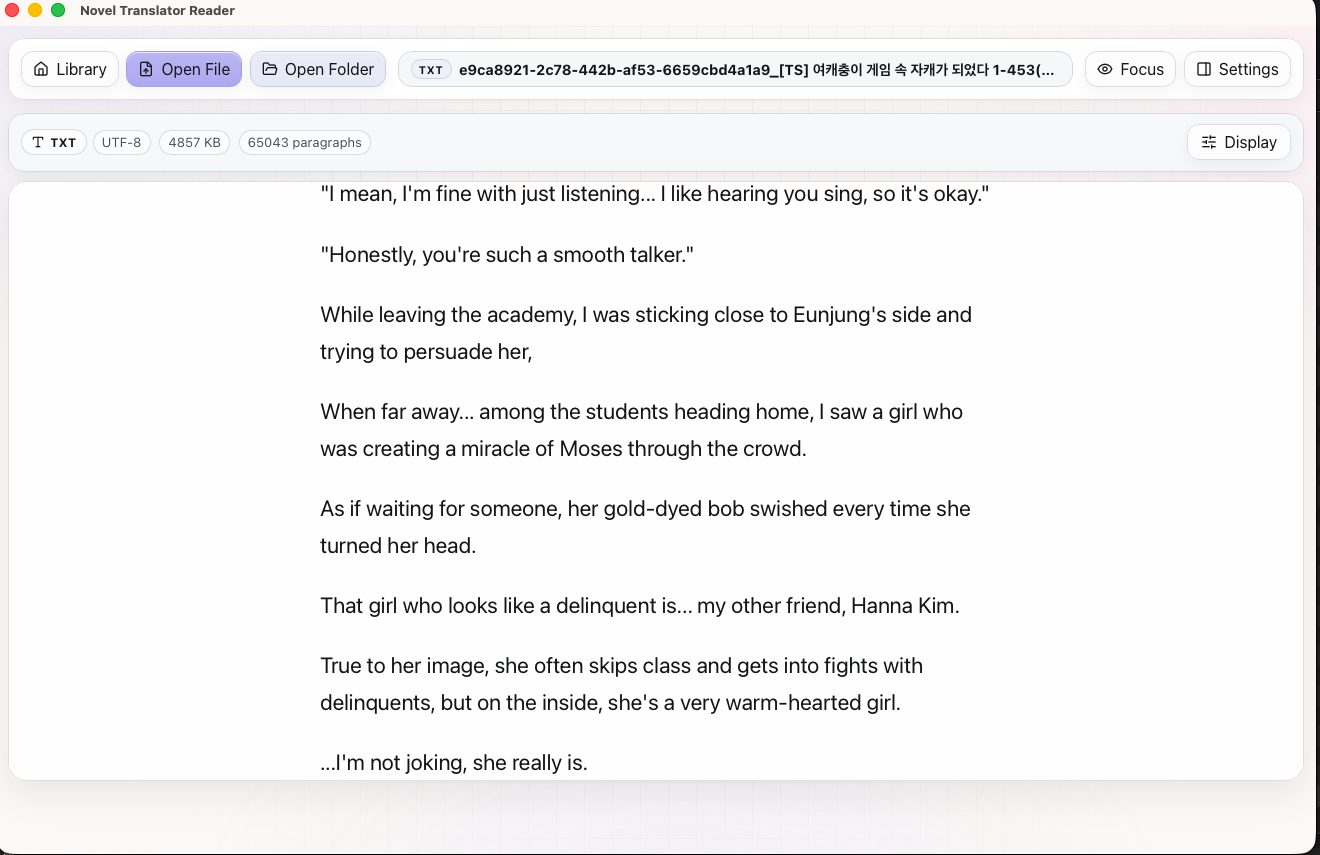
Clean novel reading with file info and display controls
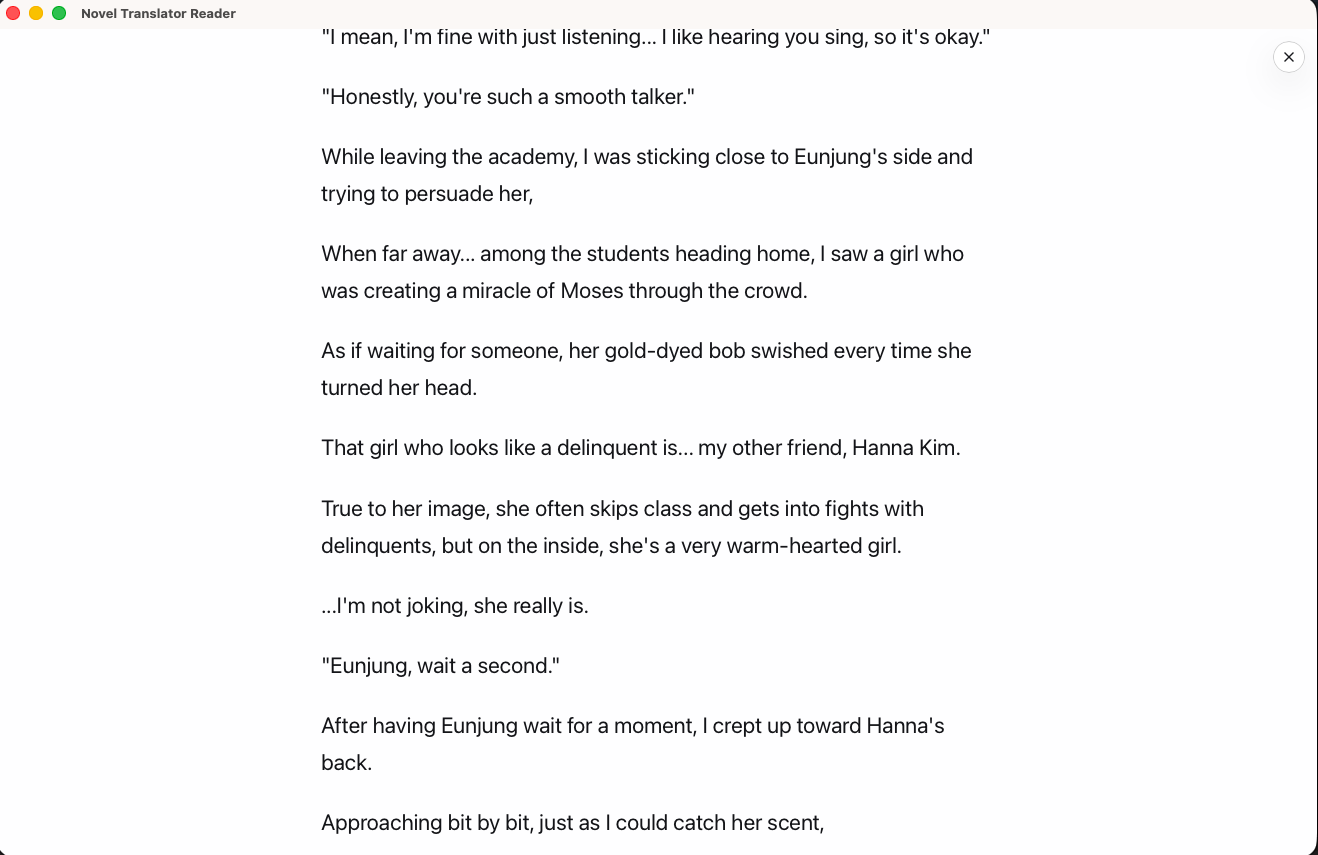
Focus mode strips away all UI for immersive reading
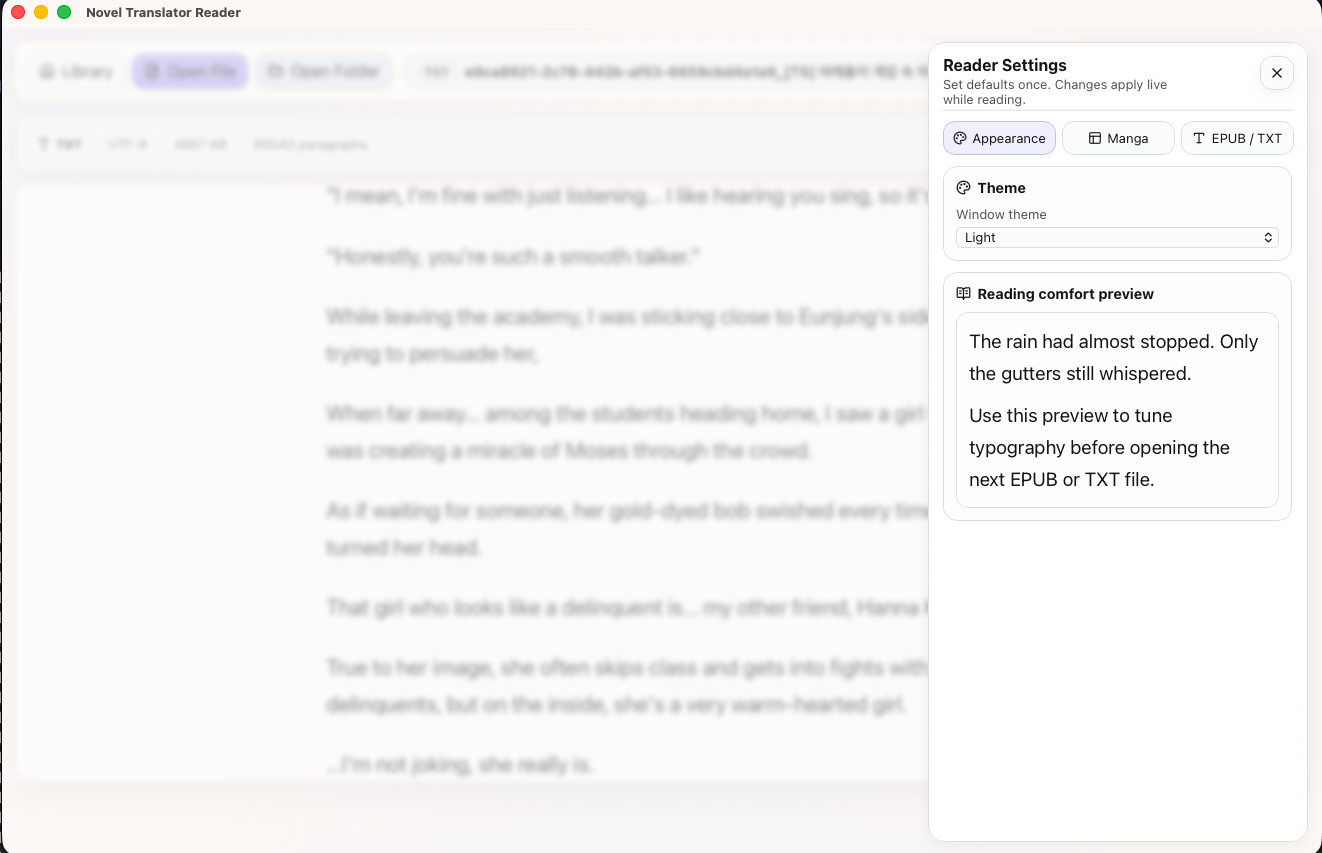
Per-format settings for appearance, manga, and EPUB/TXT
What you can read
Folders + CBZ/ZIP
Non-DRM EPUB
Novels & web fiction
Free with sign-in. No ads, no tracking.
Getting started
Download Novel-Translator-Reader.zip and unzip it.
Drag Novel Translator Reader.app into your Applications folder.
Right-click the app and choose "Open", then click "Open" again in the warning dialog.
Go to System Settings > Privacy & Security and click Open Anyway.
Translate and read your own content in the Reader.
18 credits - estimate your file cost with the calculator below.
Credit Pack
Starter pack with a 50% launch discount. Use the calculator below to estimate your files.
50 credits • Use the calculator below for file-specific estimates.
Credit Pack
Most popular choice with 50% launch discount. Check your expected credit use in the calculator below.
110 credits • Estimate larger projects with the calculator below.
Credit Pack
Maximum value for power users with 50% off. Use the calculator below for your file mix.
* Reasonable usage please! Terms and conditions apply.
Credits pay for translating files you bring. Before uploading, make sure the file is yours to use or that you have permission.
Upload your file to calculate based on our token-based pricing. No surprises.
Drag and drop your file here, or
EPUB and TXT files only • Max 30MB
Noveltranslator Auto
Fast, low-cost translation for everyday jobs. Best when you want solid quality and quick turnaround.
Upload a file to see exact pricing breakdown
Get transparent, token-based pricing with no surprises
Base Model Cost
Fixed cost per file upload based on model quality (1 EPUB = 1 file, 1 TXT = 1 file)
Token Processing Cost
Based on actual content complexity and length
No Hidden Fees
What you see is exactly what you pay
Sign up for free and upload your file to get started
* All pricing is calculated using actual file analysis
Yes, completely free. The reader is an open-source Tauri desktop app. Sign in to download, then use it forever. No ads, no tracking.
Manga folders, CBZ/ZIP archives, non-DRM EPUB ebooks, and plain TXT files. You can open files via the toolbar buttons or drag them directly into the window.
Perfectly. Translate a novel on Novel Translator, download the EPUB or TXT file, and open it directly in the reader. The reading position auto-saves so you can pick up where you left off.
Download and unzip the file, then drag Novel Translator Reader.app to Applications. Right-click the app and choose Open, then click Open again in the warning dialog. If macOS still blocks it, go to System Settings > Privacy & Security and click Open Anyway.
Currently macOS only. For mobile reading, you can download translated EPUB files and open them in any e-reader app like Apple Books or Moon Reader.
Yes. Manga and comic folders support both continuous scroll and paged reading modes. You can also fit by width, height, or page, zoom in/out, and go fullscreen.
Free, fast, and built for readers. Download the Novel Translator Reader for macOS.